The Venmo QR code here encodes a Venmo deep link, venmo://paycharge?txn=pay&recipients=<username>, which opens the Venmo app on a pre-filled payment or request screen. Its advantage over Venmo's own QR code is that it can carry an amount and a note. Its limit is that it only works on phones that have the Venmo app.
The code is generated in your browser and is static. Venmo itself is available to users in the United States, so this type suits US-based audiences.
How do you make a Venmo QR code?
- Enter the Venmo username (the
@is shown for you; typing it again is harmless). - Choose the Action: Pay (the scanner pays you) or Request (Charge) (the scanner is asked to pay a bill you started).
- Optionally add an Amount and a Note.
- Download the code and scan it on a phone that has Venmo.
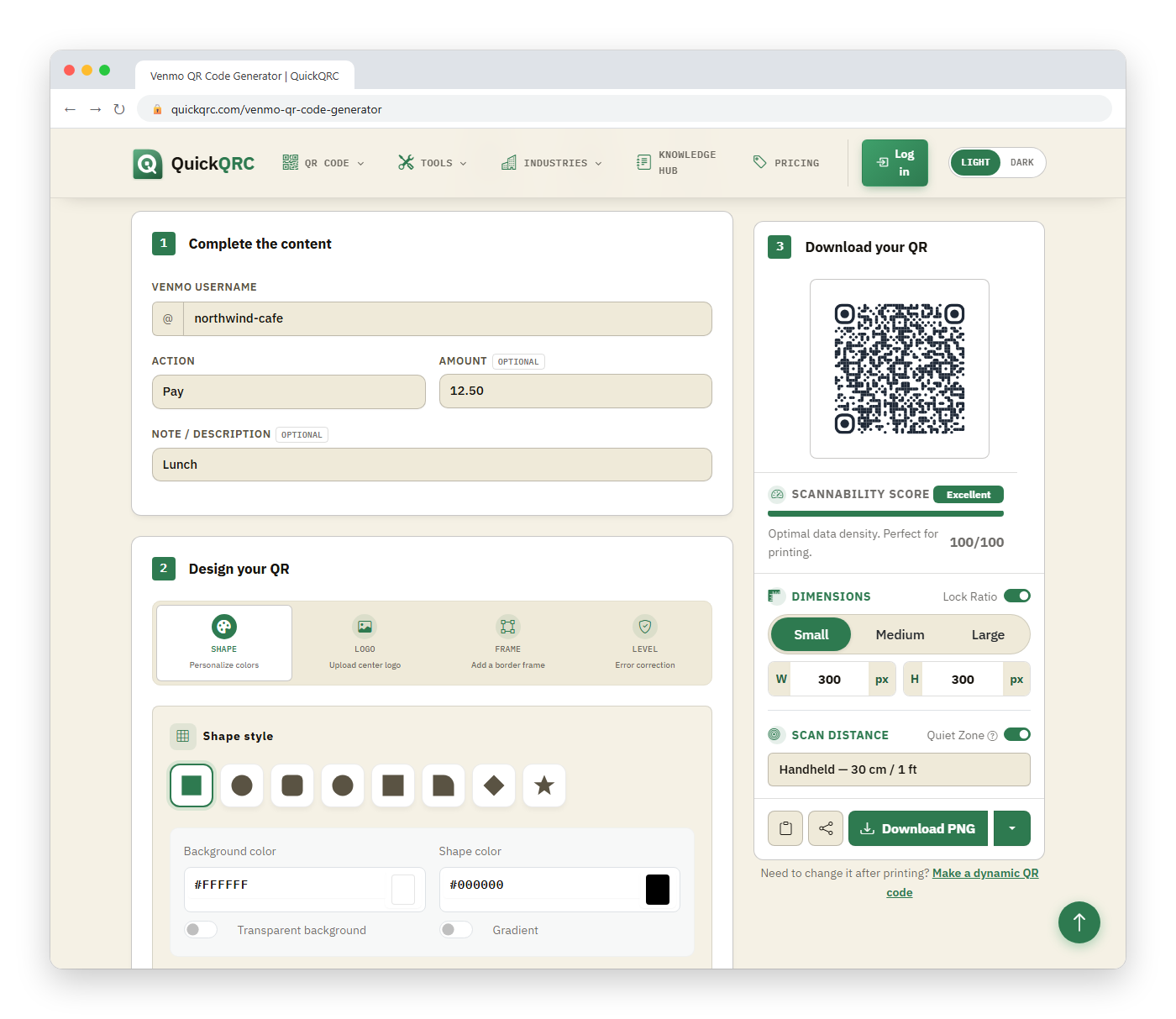
These two examples show what is encoded:
venmo://paycharge?txn=pay&recipients=quickqrc&amount=12.50¬e=Table%207%20tip
venmo://paycharge?txn=charge&recipients=quickqrc&amount=40¬e=Trip%20splitIf you leave the amount or note empty, those parameters are left out completely, so the code is shorter and the payer fills them in.
Should you use Venmo's own QR code instead?
Often, yes. Venmo's Help Center describes a "Venmo me" code, found under Me then the QR button on your profile picture, that opens your profile when scanned. It works from Venmo's Scan screen and, per Venmo, from a phone's native camera app too, which means it does not depend on a custom URL scheme.
| Venmo's "Venmo me" code | This generator's deep link | |
|---|---|---|
| Opens | Your profile | Payment or request screen |
| Pre-filled amount and note | No | Yes |
| Custom design and logo | Fixed look | Your own |
| Needs the Venmo app installed | Opens a profile in the app (per Venmo's FAQ, camera scanning works) | Yes: the venmo:// scheme is handled by the app only |
| Official Venmo feature | Yes | No, it is a link format the app recognizes |
Use Venmo's code for a general tip jar. Use this generator when you want a specific bill pre-filled: a rent split, a class fee, or a per-table tip.
What happens when someone scans it without Venmo?
A venmo:// address is not a web page. On a phone without the app, the camera may show nothing usable or an error instead of a fallback page. That is the biggest difference from the web-link types such as PayPal. If your customers might not have Venmo, print your username in text next to the code, or offer another method.
What are the risks?
- Charge codes can confuse people. A "Request" code asks the scanner to pay the amount you set. Make sure a sign explains who is being paid and why.
- Look-alike usernames. Scanners should verify the recipient's name and profile picture before sending. Print your display name beside the code.
- Stickers over stickers. A code on a table or wall can be replaced with one for another account. Check it periodically.
- Transaction details are visible. The amount and note sit in plain text inside the QR and can be read by anyone who scans it.
How do you test it?
Scan it on a phone with Venmo and stop at the payment screen; do not send money. Check the recipient, amount, and note, and confirm whether it is a payment or a request. Verify the print with the QR validator. For broader payment options, see how to accept QR code payments.
This article is general information, not financial advice. Availability, limits, and fees are set by Venmo and can change.