Free Online QR Code Generator for Links, Wi-Fi, vCards and More
Pick a type, add your colors or logo, and download PNG, SVG, PDF or EPS.
LPA:1$… string from your carrier if you have it — the fields below are then ignored.id.gs1.org is the neutral default.Higher error correction keeps a QR code scannable even if part of it is damaged, dirty, or covered by a logo — at the cost of a denser pattern.
Example QR code preview shown. Enter content to create your code.
Need to change it after printing? Make a dynamic QR code
Recent QR Codes
No recent history found. Create and download a QR code to see it here.
How to Create Your Custom QR Code
Pick a type, style it, download it. Free, no sign-up, and the code never expires.
-
Choose what the code opens
Pick from 48 types: a website, WiFi login, contact card, payment, social profile and more, then fill in the details. Everything is encoded in your browser, so nothing you type is sent to us. Need a code you can edit after printing? Use the dynamic QR generator.
-
Make it yours
Change the colours and the shape of the dots and corners, add your logo, and put a frame with a call to action around it. The preview updates as you go, and the scannability score warns you before a colour or logo makes the code hard to read.
-
Download and use it
Save it as PNG, JPEG, WebP, SVG, PDF or EPS, at a preset size or your own up to 4000 px. There is no watermark and no expiry date. Scan it with a couple of phones before you send it to print.
Create QR for Specified Types
Choose from all available content types and formats with ease
Website
Point a scan straight at any web page: your homepage, a landing page, a menu, or a portfolio. No app required, just a camera.
Generate QR Code for Website- Works with any smartphone camera, no extra app needed
- The code itself never expires; keep the page and domain behind it alive
What does a “free” QR code really cost?
Same job, two very different bills. Every line item below is exactly what it costs — nothing rounded, nothing hidden.
Why use a private, static QR code generator?
What the generator does with your data, and the checks it runs so the code scans the first time.
Built in Your Browser
Static codes are drawn on your device, so a Wi-Fi password or contact card you type stays there.
Live Scannability Score
Scores every change for contrast, data density and logo coverage, and flags what to fix before you download.
Sized for Scan Distance
Pick handheld, tabletop, poster or billboard and the download is sized for it, with the quiet zone kept by default.
Local History
Your last 10 codes stay in this browser only, ready to reopen or export as CSV or JSON.
Reed-Solomon Resilience
Select error correction tiers up to Level H (30% damage recovery) to embed center brand logos without sacrificing scan reliability.
Frames With a Call to Action
61 frame presets for scan prompts, reviews, discounts and events, recolored to match your design.
New to QR codes? Choose a free QR code generator with care
What this generator makes, when a static code is enough, and how to judge any QR code site before you print.
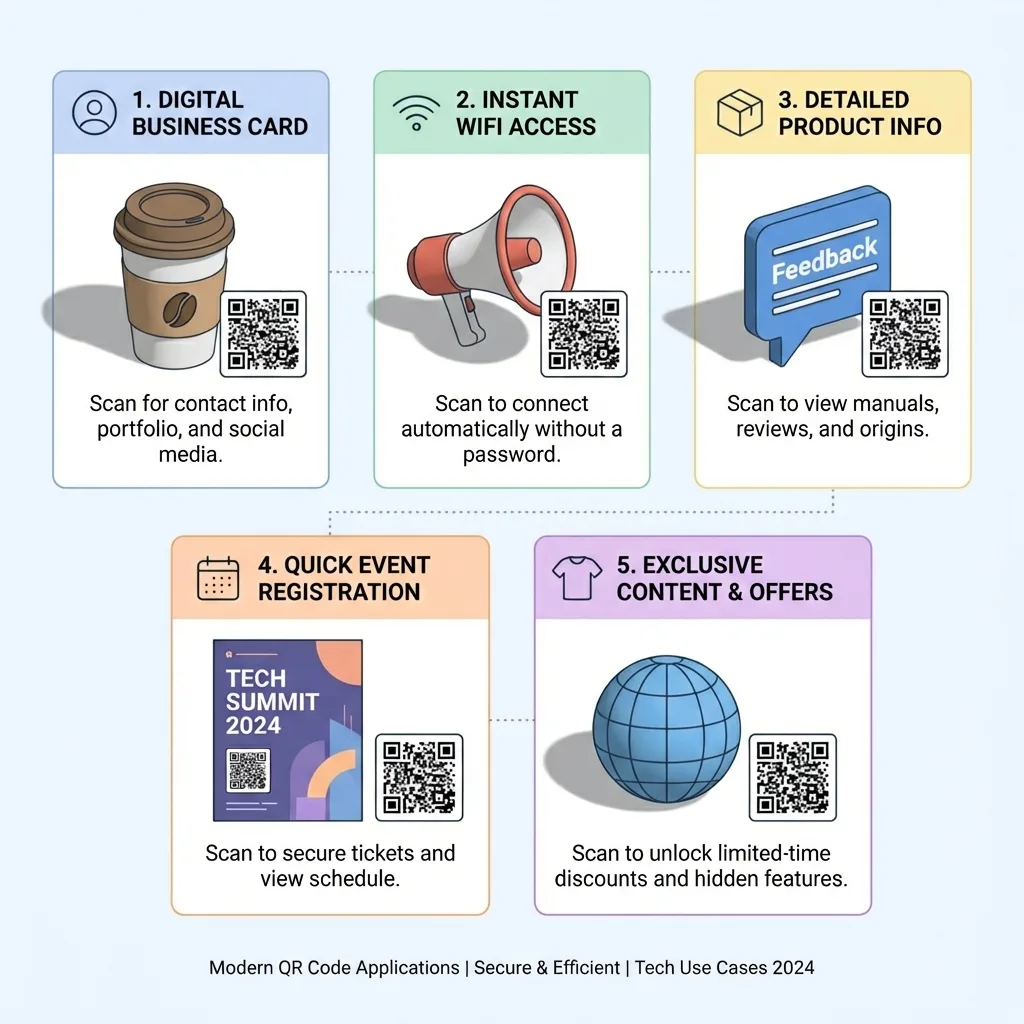
Each of the 48 types writes a different kind of action into the code, so the phone knows what to do when it is scanned:
- Open something: a website, Google Form, Dropbox file, YouTube video or playlist.
- Save or join something: a vCard virtual business card, a Wi-Fi login for your guest network, a calendar event or an eSIM plan.
- Start a message: email, SMS, WhatsApp or a phone call with the number already filled in.
- Get paid: PayPal, Venmo, UPI, PIX, Revolut, a SEPA bank transfer or a crypto wallet.
- Grow a business: a Google review page, social profiles, a shop listing or a GS1 Digital Link for product packaging.
Most of them are standard formats that a phone camera reads without an app. A few, such as UPI, PIX and SEPA payments, are read by the matching banking app instead.
See every QR code typeYes, and none of the design options cost anything. Open step 2, Design your QR, and work through the tabs:
- Shape: square, dot or rounded modules, matching corner eyes, your brand colors or a two-color gradient.
- Logo: pick a preset icon or upload your own PNG, JPG or SVG to sit in the middle.
- Frame: wrap the code in a border with a short prompt so people know why to scan it.
Keep the code darker than its background and leave the blank margin around it. Then scan the preview with your own phone before you print a batch.
Make a QR code with a logoA static code writes your content straight into the pattern, so scanning it needs no server, no account and no one else staying in business. Every code you make on this page is static. It is the right pick when the content is settled:
- Print a code once and leave it for yearsStatic
- Share Wi-Fi without a server in the middleStatic
- Hand over a contact card or a fixed linkStatic
- Put a payment address, email or phone number on a signStatic
The trade-off is that the printed pattern cannot be edited, and scans are not counted. If you expect either to matter, see the dynamic QR code generator.
Compare static and dynamic codesMost generator sites look alike on the first screen. The differences show up later, often after the code is printed. Before you rely on any of them, including this one, check six things:
- Does the code depend on the site? A dynamic code routes every scan through the vendor and stops working if the account lapses. Many "free" generators make dynamic codes by default without saying so.
- Is it a trial? A free trial near the download button usually means the code can be switched off when the trial ends.
- Is the output clean? Some sites add their logo, a watermark or an ad page before the destination opens.
- Can you get a vector file? A small PNG blown up for a poster turns blurry and can fail to scan.
- Where does your data go? If you type a Wi-Fi password or personal details, find out whether the code is made on your device or on the vendor's server.
- Does the result scan? Run the file through our QR code validator and scannability tester before you print.
That checklist is how we would judge the best QR code generator for a job. For a code you print once, any tool that passes all six will do.
Free vs. paid QR code generatorsYes, but a QR code cannot hold the picture itself: even the largest code stores under 3 KB, far smaller than a phone photo. So the code holds a link to the picture instead:
- Upload the image to a cloud drive or your website.
- Copy the share link and make a website QR code from it here.
- Open the link in a private window first, to confirm anyone can view it without signing in.
Because this code is static, the link cannot be swapped later. If you want a photo album you can add to, the dynamic image QR code hosts it for you.
How to make a QR code for a pictureQR code guides and tutorials
Explore in-depth technical guides on QR standards, error correction, pre-press printing, and security.
Frequently Asked Questions
Clear, direct answers to common questions about generating and deploying QR codes.