A Discord QR code encodes a server invite link such as https://discord.gg/abc123; scanning it opens Discord's invite screen with a Join button. The catch is the default expiry: Discord's invite panel shows a 7-day expiry by default, so the code you print will stop working after a week unless you set the invite to never expire.
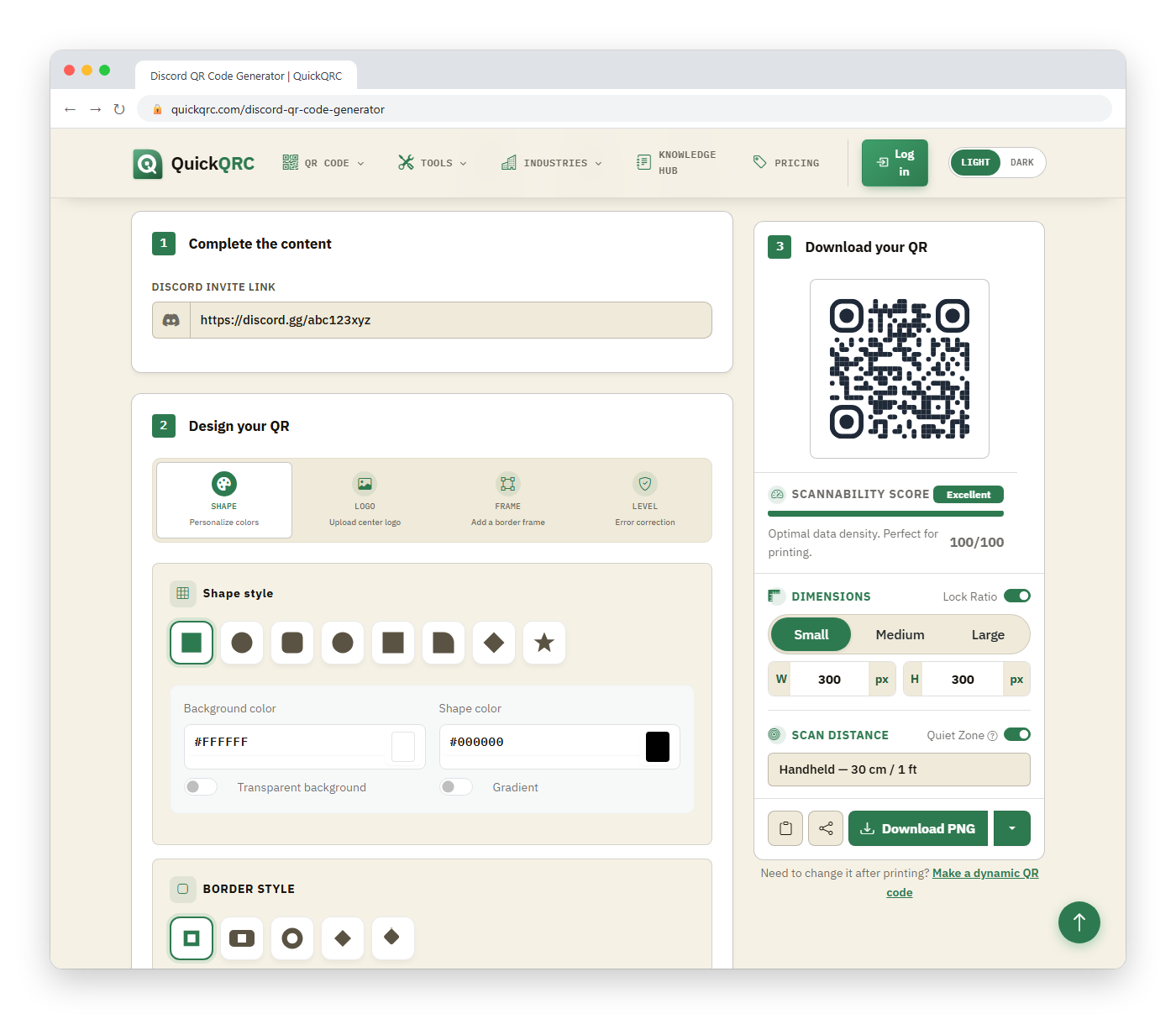
The generator runs in your browser. Paste the invite link, or just the code part after discord.gg/, and it builds a static QR code.
How do you make a Discord QR code that lasts?
- In Discord, open your server, choose Invite People, then edit the invite link's settings.
- Set Expire after to Never and Max number of uses to No limit if the code will be public. Discord's own default is 7 days.
- Copy the link, paste it into the Discord Invite Link field, and download the code.
- Scan it once from a phone that is not a member of the server.
All three input forms give the same result:
https://discord.gg/abc123
discord.gg/abc123
abc123
Each of them is encoded as https://discord.gg/abc123. If the field is left empty, the code holds only https://discord.gg/, which goes nowhere useful.
Why do Discord QR codes stop working?
A QR code is fixed once printed, but the invite behind it is not. It stops working when:
- The invite expires. The default is 7 days. A poster printed for a semester needs a non-expiring invite.
- The use limit is reached. A "25 uses" invite works for 25 joins and then fails, even in the middle of an event.
- An admin revokes it. Anyone with the right permission can delete the link, and the code dies with it.
- The invite was tied to a specific channel that was later deleted or made private.
Before printing, open the server's invite list and confirm your link shows "Never" and is not one of a short-lived batch.
Is a permanent public invite safe?
A non-expiring public link means anyone can join, including spam accounts. Turn on verification levels, a rules or onboarding screen, and moderation tools first, since a QR code on a busy poster is a wide-open front door. Also create a separate invite for each placement. If one is abused, you can delete only that invite instead of breaking every printed code.
| Placement | Suggested invite |
|---|---|
| Poster, sticker, or business card | Never expires, no use limit, unique per placement |
| Slide at a one-day event | Expire after 1 day, use limit near the expected audience |
| Private team onboarding | Short expiry with a small use limit, sent directly, not printed |
What if the invite has to change later?
A static code cannot be edited. If you expect to rotate invites, host a short redirect you control and put that address in the QR code with the URL QR code generator. Static codes are permanent only when the thing they point at is permanent, which is the reasoning in static vs dynamic QR codes.
How do you test it?
Use a phone or account that is not in the server. Confirm the invite screen shows the correct server name and member count, and that the Join button works. Also run the exported image through the QR validator and check the size against the print size guide. For safety guidance about scanning unknown codes yourself, see how to check a QR code's safety.